GitHub Copilot with OpenCode
GitHub Copilot gets a lot more useful once you stop treating it like a vscode extension.
Used through OpenCode, it starts to feel like an actual coding assistant instead of an eager intern hammering out tab completions. Put that inside VS Code Server in the browser and it gets better again.
That is the part I like most.
There is even a VS Code extension for OpenCode, and it is fine, but that is not the interesting part.
The interesting part is OpenCode with GitHub Copilot running inside VS Code Server on a remote machine, in the browser, with the whole thing kept alive between sessions.
That gives you persistent AI coding.
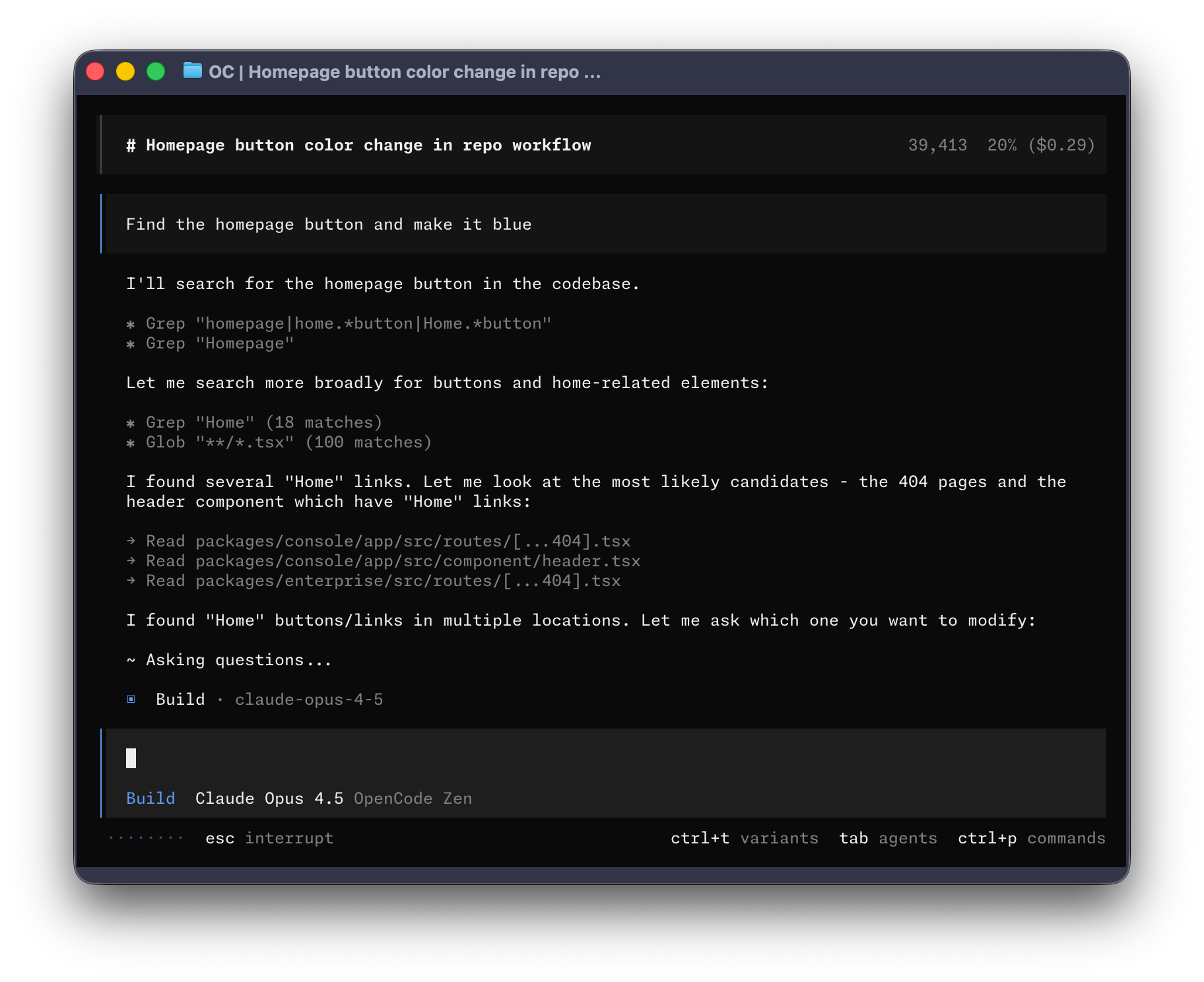
Your editor stays there. Your repo stays there. Your terminal sessions stay there. OpenCode stays there. You can close the laptop, switch machines, come back later, and the whole thing is still waiting for you instead of pretending it has never met you.
That changes the feel of the tool completely.
Why this is better than the normal local setup
Local AI coding is fine until real life gets involved.
You shut the lid. The train arrives. The battery dies. You move from desktop to laptop. Your shell history is split across three machines like some kind of distributed punishment system. Then the agent session is gone and you are back to reconstructing context from scratch. That long unfinished prompt you were polishing? Lost like tears in rain.
With VS Code Server in the browser, the workspace lives somewhere stable. OpenCode can keep running in the terminal on that machine, and Copilot stays part of the workflow instead of becoming a temporary convenience tied to one device. You do not have to resume the session because the session never really ended.
This is a much better fit for AI tools because context matters more than raw speed. The biggest productivity gain is not that the model writes a loop for you. It is that the environment does not reset every time you stand up from your chair.
OpenCode is the point
The Copilot agent is pretty good. Sometimes that is enough. A lot of the time it is not.
OpenCode is what turns it into something more serious.
Now the model can inspect files, move through the repo, run commands, edit multiple things, and keep working through a task instead of waiting for you to keep poking it one line at a time. It stops being "finish this function" and starts being "go deal with this mess while I think about what actually matters."
What you actually need
The nice part is that the infrastructure is almost insultingly simple.
You need a server somewhere that can run Docker.
That is basically it.
Run VS Code Server there. Mount your project volume. Open it in the browser. Start OpenCode in the vscode integrated terminal. Choose GitHub Copilot as a provider. Now you have a persistent coding environment that follows you around instead of being trapped inside one laptop.
You do not need a grand cloud architecture for this. One modest box is enough. A cheap VPS is enough. An old mini PC under a desk is enough if you can reach it.
People love to overcomplicate remote development. This one is refreshingly dumb in the best possible way.
Why it feels so good in practice
The best tools reduce friction in boring places.
This setup does that all day long.
You can leave an OpenCode session open while you take a walk. You can come back later and still have the same shell, the same branch, the same logs, the same half-finished thought. If you want to jump in and edit manually, VS Code is right there in the same browser tab. If you want OpenCode to keep chewing through repo work, that is right there too.
It feels less like using an AI feature and more like having a serious working environment that happens to include AI.
That is the right direction.
Most AI coding products still feel like demos. This feels like a workstation.
Conclusion
If you already have GitHub Copilot, using it through OpenCode is one of the best ways to get more out of it.
And if you put that inside VS Code Server in the browser, it gets better again. The setup is persistent, portable, and weirdly practical. You stop babysitting your laptop and start treating the coding environment like infrastructure.
All you really need is a server that runs Docker and a browser to reach it.
That is a lot of mileage from a very small amount of machinery.
Pro tip; tmux works in the vscode terminal too ;)